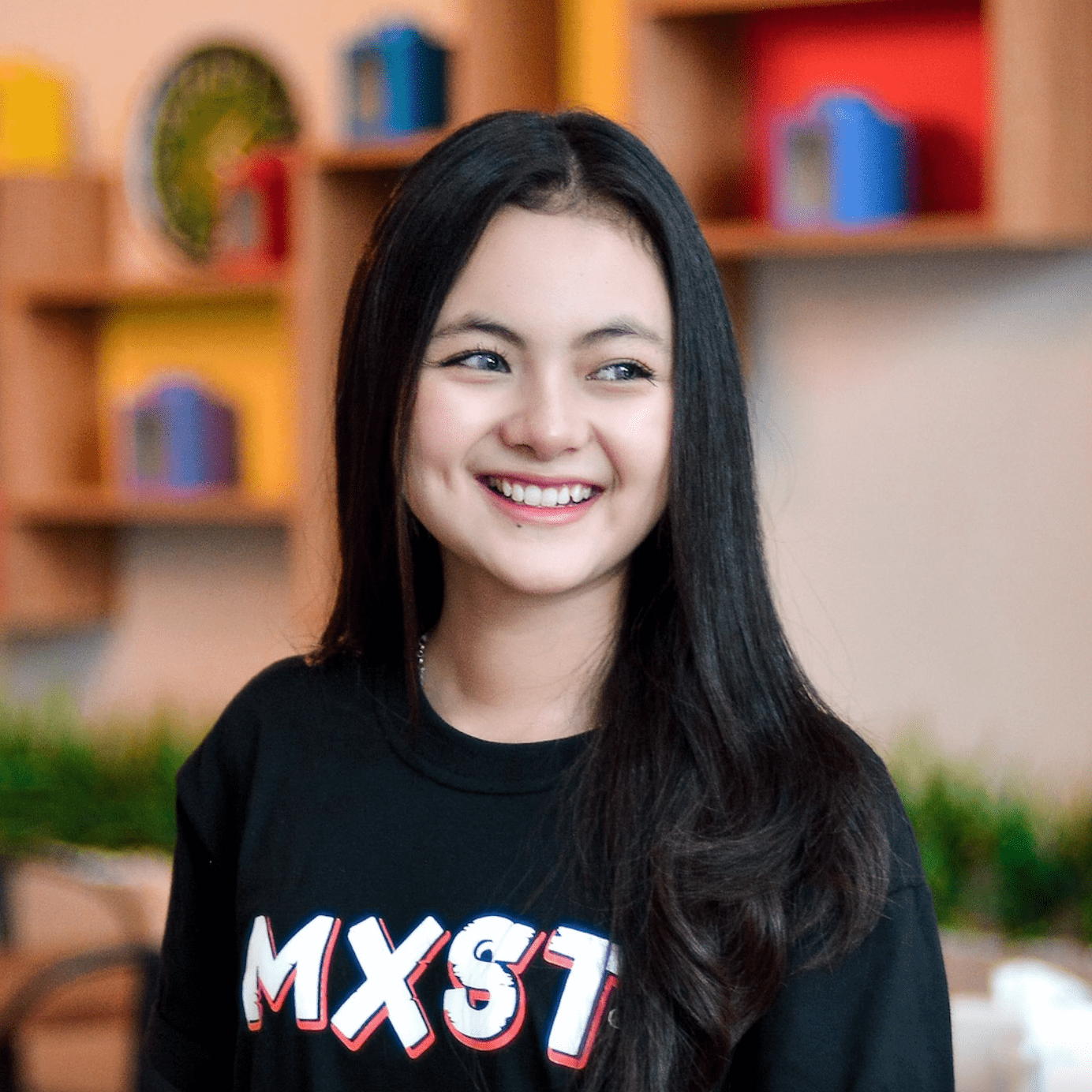
> For clean Markdown of any page, append .md to the page URL.
> For a complete documentation index, see https://uploadcare.com/docs/llms.txt.
> For AI client integration (Claude Code, Cursor, etc.), connect to the MCP server at https://uploadcare.com/docs/_mcp/server.

# Face-detection based transformations

> Uploadcare can detect faces in your images for automatic face crop or blur.

Uploadcare allows you to use face recognition algorithms
to make transformations based on detected faces in an image.

In the most popular use cases, such as creating user pics,
blurring faces and cropping based on detected faces,
and overlaying text or special things on specified facial attributes,
face-based transformations are used in combination with other
[image processing operations](/docs/transformations/image/#image-transformations-list).

## List of face-detection based processing operations \[#list-of-face-detection-based-transformations]

* [Smart resize](/docs/transformations/image/resize-crop/#operation-smart-resize)
* [Crop by objects](/docs/transformations/image/resize-crop/#operation-crop)
* [Scale crop](/docs/transformations/image/resize-crop/#operation-scale-crop)
* [Smart crop](/docs/transformations/image/resize-crop/#operation-smart-crop)
* [Blur faces](/docs/effects-enhancements/#operation-blur-region)

## Face-detection based cropping

### Cropping by faces

Crops the image to the object specified by the `:tag` parameter with `:face`
value — the largest detected face in the image is used as a crop basis.

There are several ways to crop a file:

<table>
  <tr>
    <td>
      [![Crop by face](https://ucarecdn.com/0b7f4867-616f-4ca5-81fb-d2bd4b38443e/-/crop/face/3:3/)](https://ucarecdn.com/0b7f4867-616f-4ca5-81fb-d2bd4b38443e/-/crop/face/3:3/)

      \


      -/crop/face/3:3/
    </td>

    <td>
      [![Crop to square](https://ucarecdn.com/0b7f4867-616f-4ca5-81fb-d2bd4b38443e/-/crop/1:1/50p,30p/)](https://ucarecdn.com/0b7f4867-616f-4ca5-81fb-d2bd4b38443e/-/crop/1:1/50p,30p/)

      \


      `-/crop/1:1/50p,30p/`
    </td>

    <td>
      [![Crop by face with space](https://ucarecdn.com/0b7f4867-616f-4ca5-81fb-d2bd4b38443e/-/crop/face/200px200p/-/crop/1:1/50p,30p/)](https://ucarecdn.com/0b7f4867-616f-4ca5-81fb-d2bd4b38443e/-/crop/face/200px200p/-/crop/1:1/50p,30p/)

      \


      `-/crop/face/200px200p/`
    </td>
  </tr>
</table>

### Keeping proportions

If you want to keep the proportions but fill the entire tile, use `-/smart_resize/`
to generate missing parts of the picture.

<table>
  <tr>
    <td>
      [![Smart resize](https://ucarecdn.com/0b7f4867-616f-4ca5-81fb-d2bd4b38443e/-/smart_resize/250x250/)](https://ucarecdn.com/0b7f4867-616f-4ca5-81fb-d2bd4b38443e/-/smart_resize/250x250/)

      \


      `-/smart_resize/250x250/`

      \

    </td>
  </tr>
</table>

### Create a user's pic \[#create-user-pic]

If you want to create a circular user profile photo, combine the operations
`-/crop/face/` and `-/border_radius/`.

<table>
  <tr>
    <td>
      [![Smart resize](https://ucarecdn.com/0b7f4867-616f-4ca5-81fb-d2bd4b38443e/-/preview/550x550/-/crop/face/200px200p/-/crop/1:1/50p,30p/-/border_radius/50p/)](https://ucarecdn.com/0b7f4867-616f-4ca5-81fb-d2bd4b38443e/-/preview/-/crop/face/200px200p/-/crop/1:1/50p,30p/-/border_radius/50p/)

      \


      `-/crop/face/200px200p/-/crop/1:1/50p,30p/-/border_radius/50p/`

      \

    </td>
  </tr>
</table>

You can also create a circular user photo, combine the operations `-/scale_crop/`
and `-/border_radius/`.

<table>
  <tr>
    <td>
      [![Scale crop](https://ucarecdn.com/36cda64e-7f8c-4e54-89f0-6a7b1d90a8dd/-/scale_crop/440x440/smart/-/border_radius/50p/)](https://ucarecdn.com/36cda64e-7f8c-4e54-89f0-6a7b1d90a8dd/-/scale_crop/440x440/smart/-/border_radius/50p/)

      \


      `-/scale_crop/440x440/smart/-/border_radius/50p/`

      \

    </td>
  </tr>
</table>

### Filling an empty area

If you have an empty space when creating a user's pic, you can fill
it using the `-/setfill/:color/` operation.

You can find out the required fill color with the
[`-/main_colors/` operation](/docs/effects-enhancements/#color-recognition)
or through other external apps.

<table>
  <tr>
    <td>
      [![Original image](https://ucarecdn.com/36cda64e-7f8c-4e54-89f0-6a7b1d90a8dd/-/scale_crop/440x440/smart/)](https://ucarecdn.com/36cda64e-7f8c-4e54-89f0-6a7b1d90a8dd/-/scale_crop/440x440/smart/)

      \


      Original
    </td>

    <td>
      [![Crop image](https://ucarecdn.com/36cda64e-7f8c-4e54-89f0-6a7b1d90a8dd/-/preview/-/crop/face/200px200p/-/crop/1:1/50p,30p/-/border_radius/50p/)](https://ucarecdn.com/36cda64e-7f8c-4e54-89f0-6a7b1d90a8dd/-/preview/-/crop/face/200px200p/-/crop/1:1/50p,30p/-/border_radius/50p/)

      \


      `Crop image`
    </td>

    <td>
      [![Fill empty area](https://ucarecdn.com/36cda64e-7f8c-4e54-89f0-6a7b1d90a8dd/-/preview/-/setfill/c5c3b6/-/crop/face/200px200p/-/crop/1:1/50p,30p/-/border_radius/50p/)](https://ucarecdn.com/36cda64e-7f8c-4e54-89f0-6a7b1d90a8dd/-/preview/-/setfill/c5c3b6/-/crop/face/200px200p/-/crop/1:1/50p,30p/-/border_radius/50p/)

      \


      `Fill empty area`
    </td>
  </tr>
</table>

## Blur faces

If you need to blur faces in photos to comply with privacy laws,
apply a blur effect to automatically detect faces in the image
using the `-/blur_region/faces/` operation.

You can adjust the strength of the blur effect.
It determines with an optional additional `strength` value,
ranging to 5000 (default: 10).

For example, `-/blur_region/faces/100/` uses a small blur effect with
a strength of 100:

<table>
  <tr>
    <td>
      [![Small blur effect with a strength=100](https://ucarecdn.com/59142978-8be6-4381-b3f0-db33e0f368e3/-/blur_region/faces/100/-/preview/500x500/)](https://ucarecdn.com/59142978-8be6-4381-b3f0-db33e0f368e3/-/preview/-/blur_region/faces/100/)

      \


      `-/blur_region/faces/100/`

      \

    </td>
  </tr>
</table>

You can ["bake in"](/docs/mutability/) the applied changes and create a new file
that can no longer be reverted to its original state.

## Coordinates of facial landmarks

`/:uuid/detect_faces/`

The `detect_faces` operation returns the coordinates of faces found in an
input image. The output is similar to the [`json`](/docs/cdn-operations#operation-json)
operation. The output is a JSON with the additional list of `faces` that
holds the coordinates of faces that were detected.

Data for each of the found faces are put into separate lists
that look like this:

```json
[x, y, x_size, y_size]
```

Further, lists within `faces` contain:

* `x`, `y`: coordinates of the upper-left corner of an area where
  a face was found.
* `x_size`, `y_size`: dimensions of that area.

Note, `detect_faces` is not divided from a file UUID by the `/-/` separator.
Hence, it can not be piped to other operations.

Run a face-check for the following image on our CDN:

![Compound image with three faces](https://ucarecdn.com/5128ec65-9957-47b8-a6ad-4c2f172ef660/-/preview/1200x1200/darker.jpg)

Put `detect_faces` into the image URL, separating it with
the forward slash `/` from the UUID:

```cdn
https://examples.ucarecd.net/5128ec65-9957-47b8-a6ad-4c2f172ef660/detect_faces/
```

Get the following `faces` list in the response JSON:

```json
"faces": [
  [45, 142, 207, 207],
  [460, 113, 238, 238],
  [892, 43, 265, 265]
]
```

`detect_faces` uses an algorithm that better detects the fronts of faces rather
than facial profiles. Also, covering important face features with
different objects leads to a decline in detection accuracy.

Technically, the operation detects faces using Haar Cascades. That approach
deals with machine learning processes that rely on classifiers holding cascades
of features specific to faces, eyes, etc.

## Position overlays avoiding detected faces

You can combine [text overlay](/docs/transformations/image/overlay/#overlay-text)
and `-/detect_faces/` operations to add text to an image while
avoiding text overlapping with faces.

<table>
  <tr>
    <td>
      [![Overlaying text without affecting the face](https://ucarecdn.com/0b7f4867-616f-4ca5-81fb-d2bd4b38443e/-/preview/-/font/50/0f1/-/text/320x150/320,650/This%20is%20a%20test%20text/)](https://ucarecdn.com/0b7f4867-616f-4ca5-81fb-d2bd4b38443e/-/preview/-/font/50/0f1/-/text/320x150/320,650/This%20is%20a%20test%20text/)

      \


      `-/font/50/0f1/-/text/320x150/320,650/This%20is%20a%20test%20text/`\

      Overlaying text without affecting the face
    </td>
  </tr>
</table>