Uploadcare’s 2025 year in review
Over the past year, we made it easier for developers to handle file uploads and media in production, helping them build faster, more reliable user experiences.
These updates were informed by conversations with teams focused on shipping faster, reducing engineering overhead, and scaling media delivery across platforms.
What developers needed in 2025
Across our customer conversations and observed ecosystem trends, several needs kept coming up:
-
Faster integration with less configuration
-
A complete, end-to-end media pipeline
-
More automation and stronger defaults
-
Better security and compliance built into uploads
-
Modern, reliable upload experiences for end users
-
Improved performance with lower delivery costs
-
Integrations that fit into existing tools and workflows
These needs guided how we structured our releases in 2025. Internally, we grouped them into five areas: Upload, Optimize, Transform, Secure, and Integrate.
Upload: Making file uploading faster to set up and easier to use
File Uploader remains the foundation of Uploadcare, and it’s often the first component developers integrate. This year, we focused on reducing setup time while improving the end-user experience.
Plug-and-play uploader modes
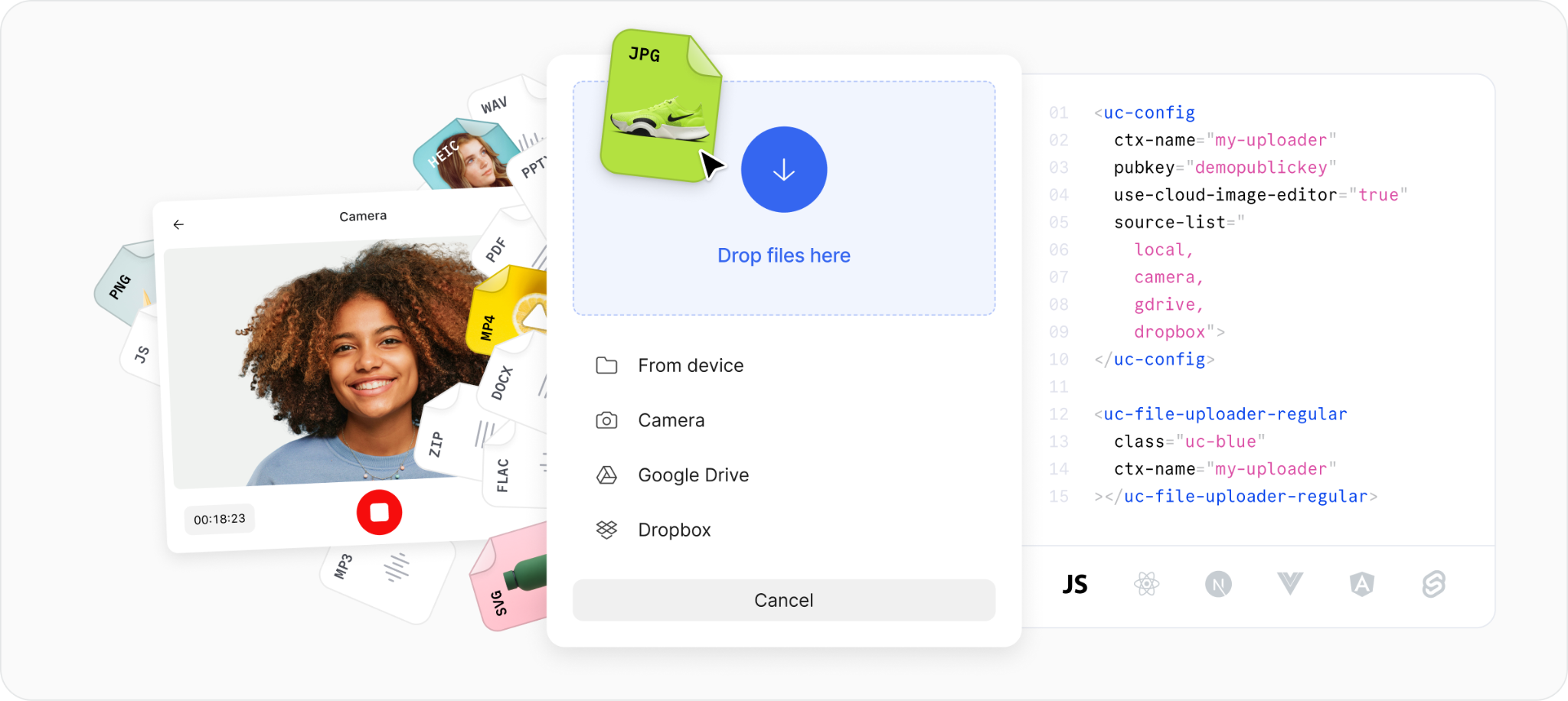
We introduced two new uploader modes designed to drop into applications with minimal setup:
Uploadcare File Uploader in button mode
- Button mode: A clean upload button that opens the full upload dialog. This works well for multi-file flows such as media libraries, galleries, and content submissions.
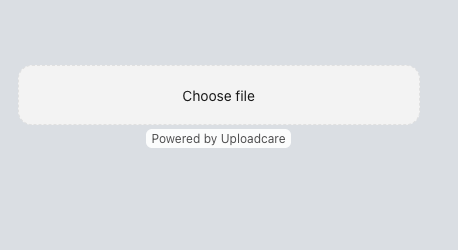 Uploadcare File Uploader in drop area mode
- Drop area mode: A lightweight, inline drag-and-drop area that fits naturally into onboarding flows, profile uploads, and compact forms.
Both modes are designed to work out of the box while remaining fully customizable when you need more control.
Expanded upload sources in drop area mode
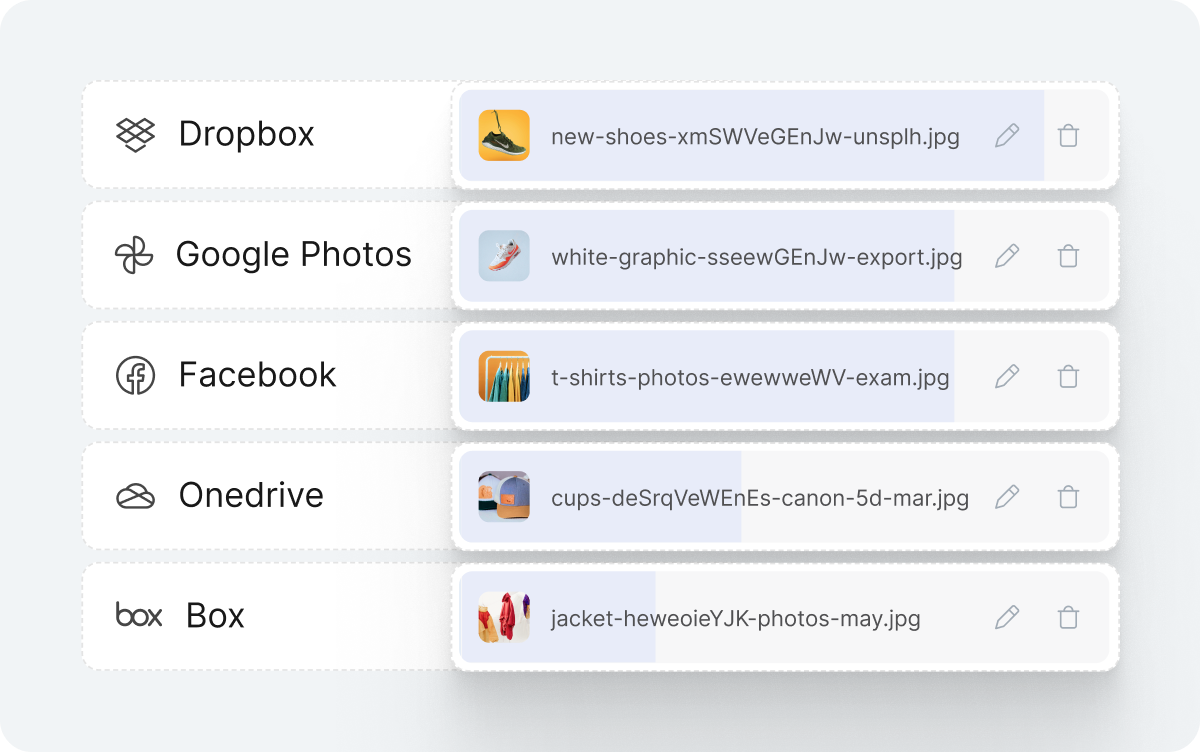 Multiple upload sources
Users store files in many places, not just on their devices. To avoid unnecessary download-and-reupload flows, we expanded available upload sources in Drop Area Mode.
Users can now upload directly from services like Dropbox, Google Photos, Facebook, and others. From a developer perspective, there’s nothing extra to build or maintain; just enable it, and it works.
Improved image editing inside the uploader
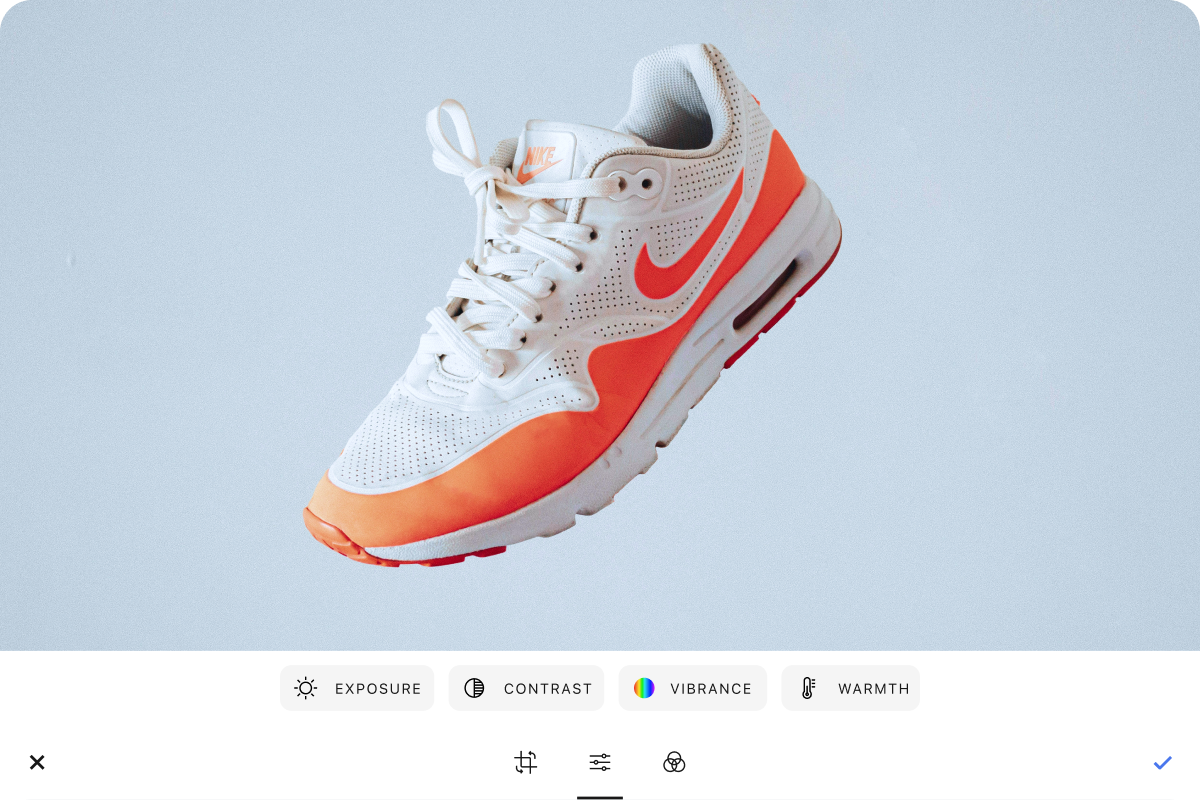 Drop area Image editor
The built-in image editor remains one of the most-used uploader features. This year, we improved the editing experience inside Drop area mode to make common adjustments easier.
Users can crop, rotate, apply filters, and adjust images directly inside the uploader before finalizing an upload. This is especially useful for avatars, product images, and frequent image uploads where small adjustments are often needed.
Grid view for multi-image uploads
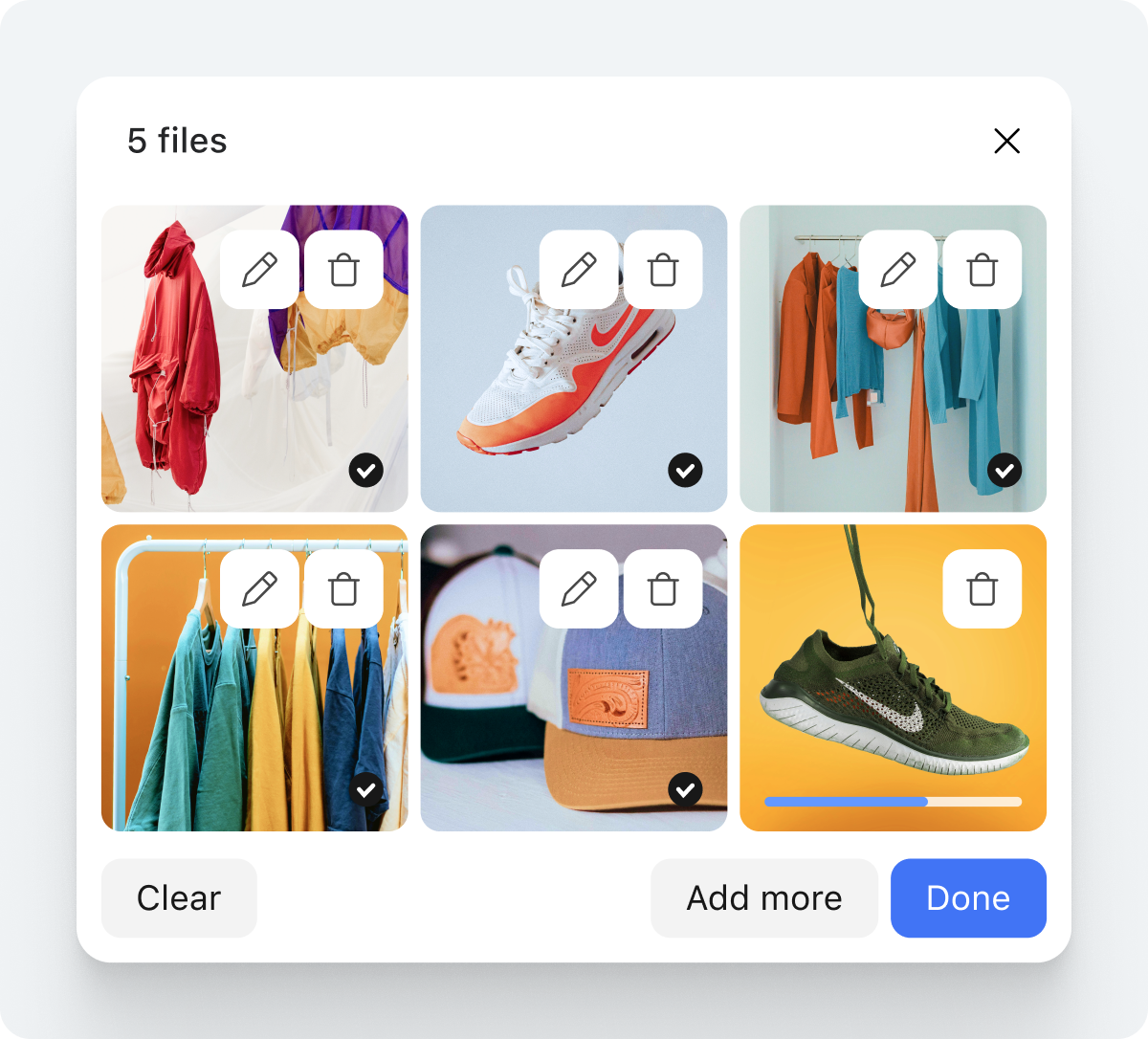 Grid view mode
For teams working with large image sets, such as ecommerce platforms or real estate listings, scanning uploads in a list view isn’t always practical.
We introduced a grid view that shows larger previews of uploaded images, making it easier to review, edit, or remove files before submission. This improves clarity when users are uploading dozens of images in a single flow.
Camera mode controls and Google Photos upgrade
Additional uploader improvements include:
 Additional uploader improvements
-
Enhanced camera mode controls, allowing you to support photo capture, video capture, or let users choose during upload.
-
An upgraded Google Photos integration using Google’s latest Picker API, with support for selecting up to 2,000 images at once and requiring no action on your user’s end.
Optimize: Delivering video more efficiently
Video continues to be a major driver of bandwidth usage and delivery cost. This year, we focused on accelerating video delivery and improving adaptability without adding extra work for development teams.
Adaptive bitrate streaming (ABR)
 Adaptive Bitrate Streaming
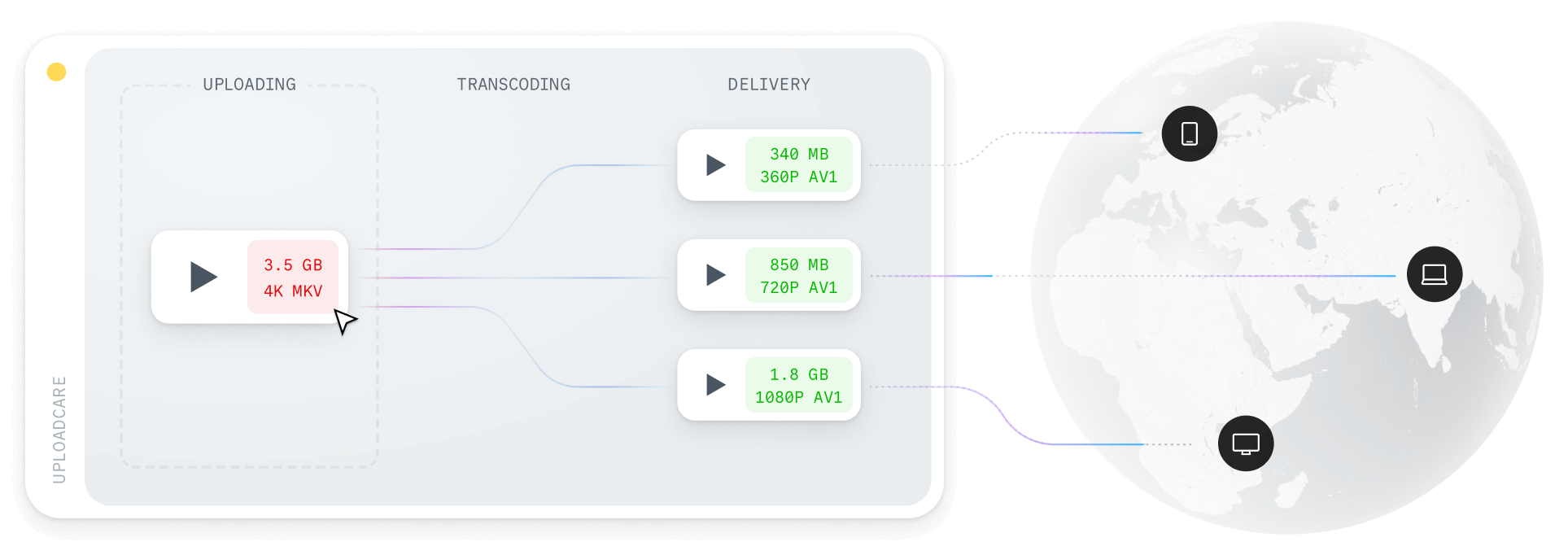
We introduced adaptive bitrate streaming to automatically deliver the right video quality based on a user’s device and network conditions.
When a video is uploaded, Uploadcare prepares multiple resolutions and serves the most appropriate version during playback. Users on fast connections receive higher-quality streams, while users on slower networks get lighter streams to avoid buffering.
This improves playback consistency and reduces unnecessary data transfer, especially for video-heavy platforms and high-traffic applications.
Plug-and-play video player
To make adoption easier, we also launched uc-video component,
a video player that supports adaptive streaming out of the box.
It works by providing just the video ID to the player, and the video player handles the rest.
You can integrate the uc-video player in your applications today by following the guide in the docs.
Transform: Making image workflows more predictable
Image transformations play a large role in how polished and consistent your product feels. This year, we focused on reducing manual effort and improving default behavior for our transformation capabilities.
AI-powered Smart Crop
 Smart Crop
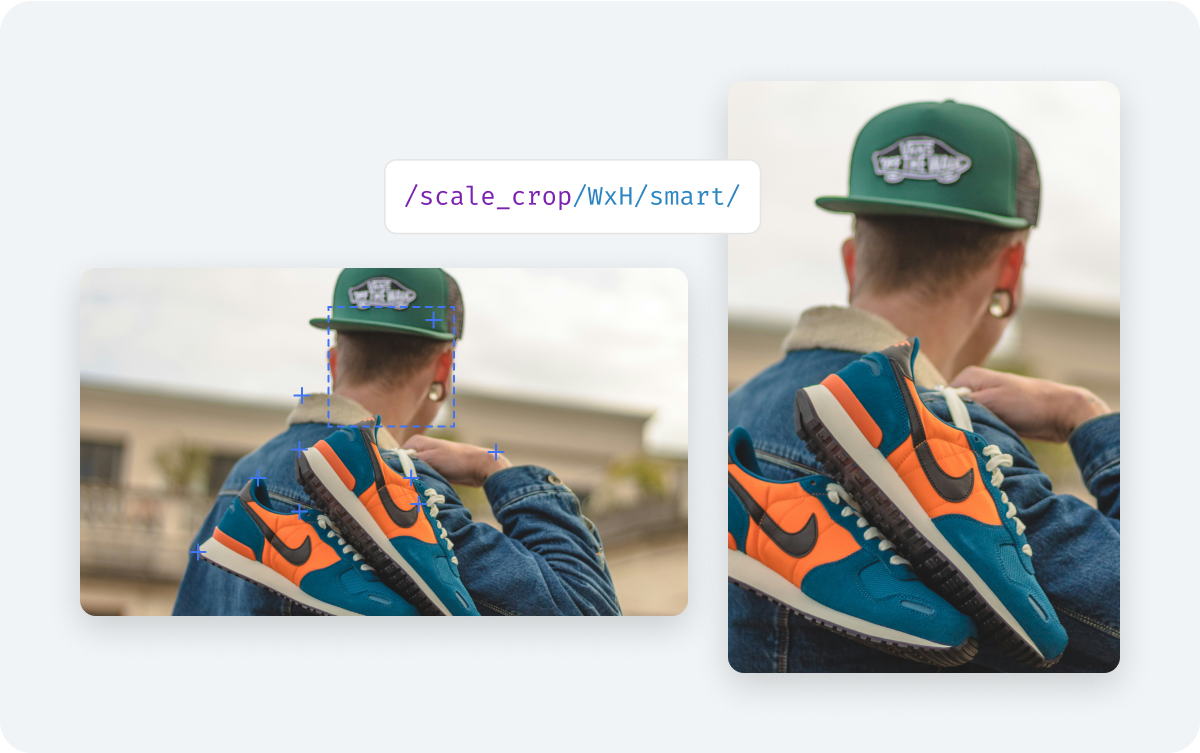
We introduced a new version of Smart Crop, an improved content-aware cropping algorithm that automatically detects faces and key objects in an image.
This is particularly useful for thumbnails, product images, and user-generated content where manual cropping doesn’t scale. The new smart crop feature uses AI to produce more reliable results without requiring extra configuration.
Crop presets and custom masks
 Crop presets and custom masks
We added crop presets and custom masks to enforce consistent aspect ratios and framing during upload.
This is useful for:
-
Avatars and profile photos
-
Product images with fixed dimensions
-
Document uploads where specific regions must remain visible
Applying presets at upload time reduces the need for downstream corrections.
Faster PDF-to-image conversion
 PDF-to-image conversion
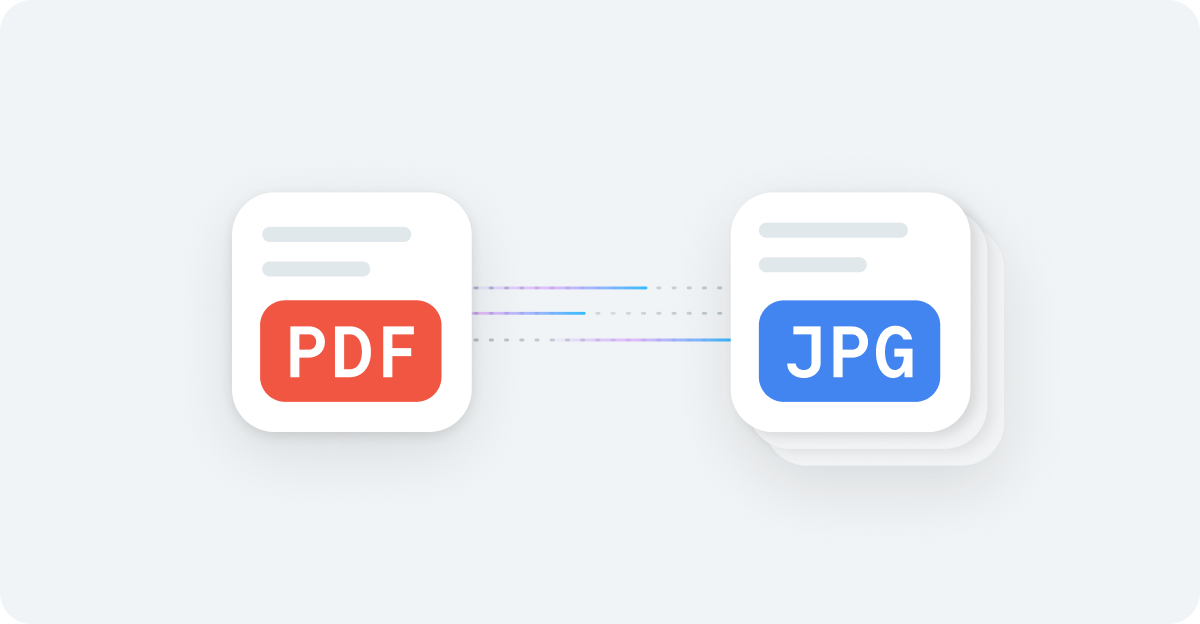
We significantly improved PDF-to-image conversion performance. Multi-page PDFs now convert up to 89% faster, with output images up to 86% smaller than before.
This is especially helpful for document-heavy workflows where speed and file size directly affect user experience.
Google fonts in text overlays
 New fonts for text overlays
We expanded text overlays by integrating Google Fonts directly into image transformations. This allows you to apply consistent typography for branding, captions, or watermarks without external tools.
Uploadcare now supports new fonts, including DejaVu Mono, DejaVu Serif, Noto, Noto Mono, and Noto Serif, with plans to expand the selection in the future.
Security and compliance
Uploads are often the first entry point into an application and one of the easiest places for issues to slip through. This year, we focused on building stronger protections directly into the upload pipeline.
NSFW content moderation in the dashboard
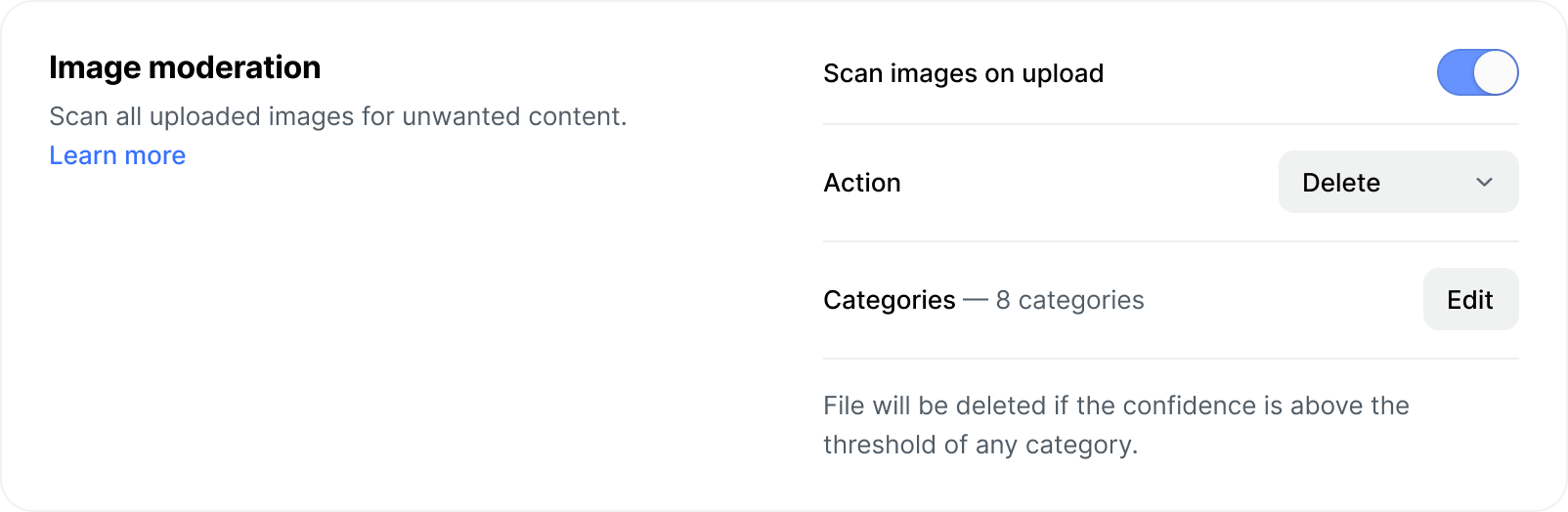 NSFW filtering
NSFW filtering was previously available through the API. We brought this capability into the Uploadcare dashboard, making it accessible to non-developers as well.
You can now automatically block or flag explicit content during upload, helping keep marketplaces, communities, and learning platforms compliant without manual review.
MIME type filtering
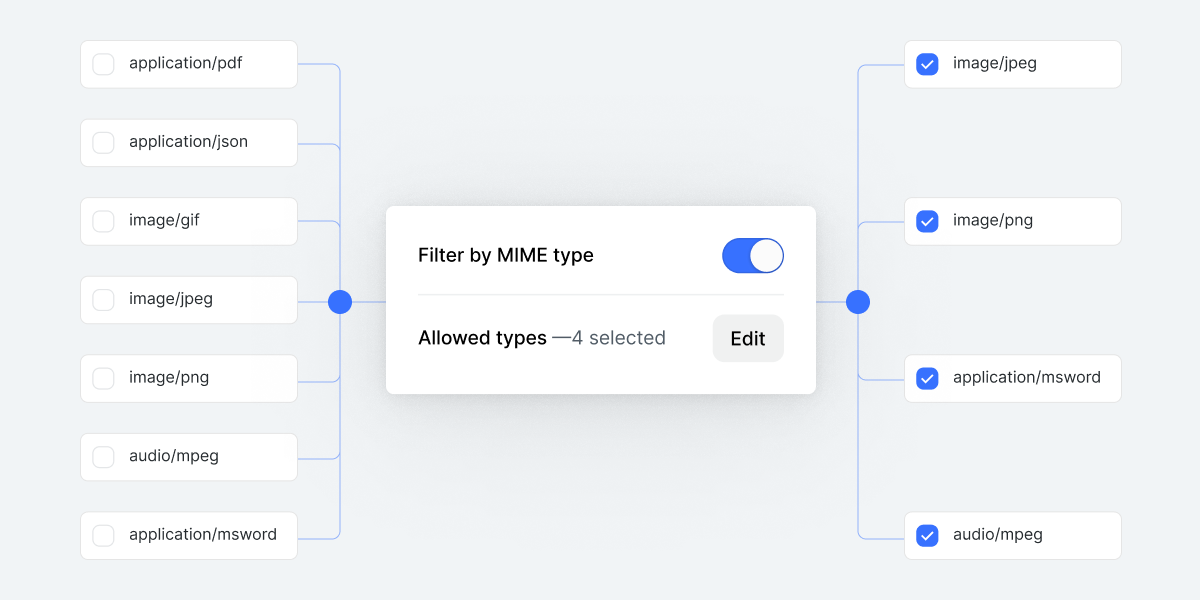 MIME type filtering
We added dashboard-level MIME type filtering, allowing you to control which file types can be uploaded to a project. This helps prevent unsupported or unwanted formats from entering your system.
Automatic EXIF metadata removal
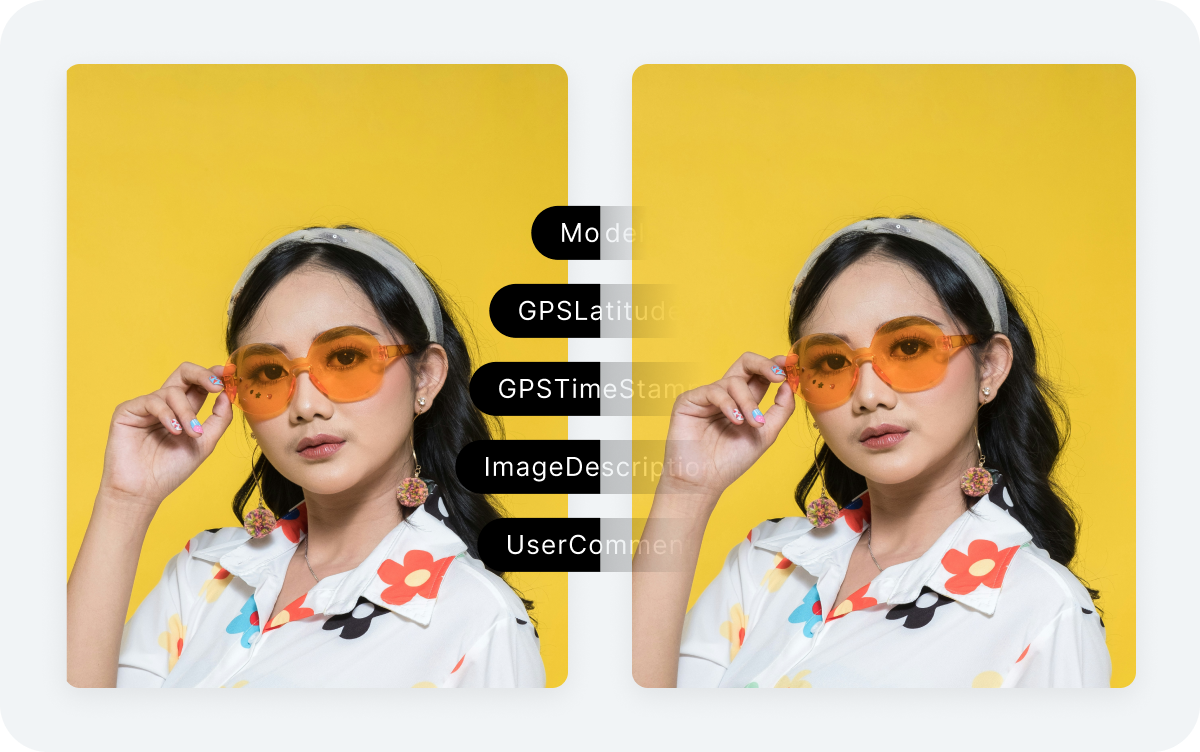 EXIF metadata removal
Images often contain hidden metadata such as GPS coordinates and device details. To reduce privacy risks and support data minimization requirements, we introduced automatic EXIF metadata removal at upload time.
Once enabled, metadata is stripped before files enter your workflow.
Async file validators
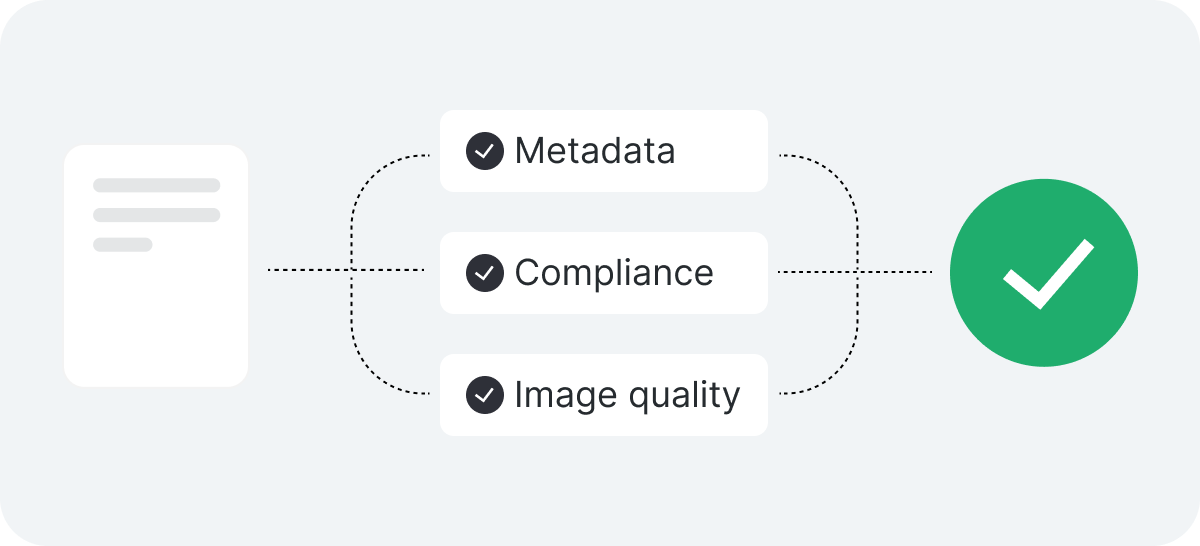 Asynchronous file validators
We introduced asynchronous file validators that run in the browser during upload. These validators can catch issues like corrupted files, incorrect formats, or images that don’t meet size requirements before they reach your backend.
This helps prevent broken workflows and reduces unnecessary processing downstream.
New integrations: Bringing Uploadcare into your existing tools
This year, we also focused on meeting developers where they already work.
We introduced and expanded integrations with:
-
No-code platforms like Webflow, enabling Uploadcare-powered uploads in forms, onboarding flows, and Webflow websites.
-
Content editors like CKEditor and TinyMCE, allowing teams to upload, edit, and optimize media directly inside their editor.
These integrations are designed to match the user experience of these tools and to feel natural, reducing context switching and speeding up content workflows.
Simplifying media workflows for developers
Everything we shipped this year was built to reduce friction on how you upload, optimize, transform, and deliver media. The goal wasn’t to add complexity, but to remove it through better defaults, stronger protections, and tools that fit naturally into your workflow.